
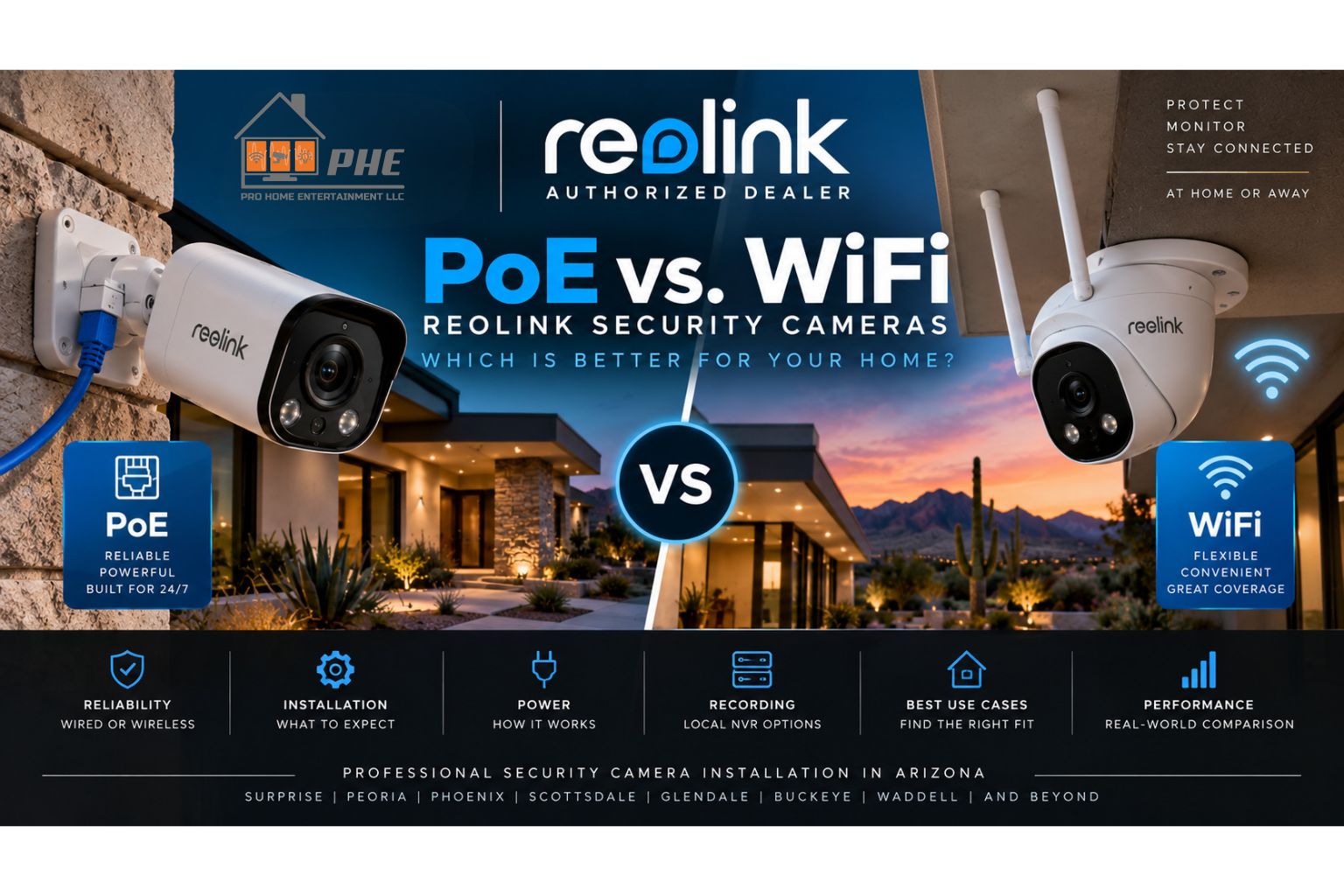
When you’re planning a home security camera system, one of the first decisions you’ll need to make is how your cameras will connect.
Should you choose hardwired PoE cameras or WiFi security cameras?
Both can be good options. However, they solve different problems.
At Pro Home Entertainment, we’re now a Reolink dealer and can design professionally installed Reolink camera systems around the property, coverage requirements, and priorities of each customer.
Here’s what you should know before choosing between Reolink PoE and WiFi security cameras.
What Is a PoE Security Camera?
PoE stands for Power over Ethernet.
A PoE camera connects to the network using an Ethernet cable. That same cable can carry both network data and electrical power when connected to compatible PoE equipment.
This gives you a hardwired connection without requiring a separate power outlet at every camera.
For permanent surveillance systems, PoE is often our preferred approach.
What Is a WiFi Security Camera?
A WiFi security camera sends its network data wirelessly instead of using Ethernet for the network connection.
This can make installation more flexible when running network cable to a location isn’t practical.
However, “WiFi” doesn’t necessarily mean completely wireless.
Depending on the camera, it may still require a power source.
That distinction is important when you’re comparing security camera options.
Reolink PoE vs WiFi Cameras: What’s the Biggest Difference?
The biggest difference is the connection between the camera and your network.
PoE cameras use a hardwired Ethernet connection.
WiFi cameras communicate with your network wirelessly.
That difference affects installation, reliability, placement, and the infrastructure required for your system.
1. Reliability
For a permanent security camera installation, reliability matters.
PoE cameras have a major advantage because they’re physically connected to the network.
A properly installed Ethernet connection doesn’t depend on the strength of your home’s WiFi signal at the camera location.
That’s especially helpful for cameras installed around:
- Garages
- Side yards
- Large properties
- Detached structures
- Exterior walls
- Areas far from the router
WiFi cameras can still work very well, but their performance depends more heavily on wireless coverage.
2. Installation
WiFi cameras may be easier to install in locations where Ethernet isn’t available.
That can make them useful for certain existing homes.
PoE installations require network cabling to each camera location. However, once that infrastructure is installed, you have a dedicated hardwired connection.
For new construction, remodels, and permanent surveillance systems, running Ethernet during the project can be a smart long-term investment.
3. Power
One of the biggest benefits of PoE is simplicity.
A single Ethernet cable can provide both:
- Network connectivity
- Power
That means we don’t necessarily need a standard electrical outlet next to every camera.
WiFi cameras eliminate the Ethernet network connection, but many models still require power.
Therefore, WiFi shouldn’t automatically be interpreted as “no wires.”
4. Video Recording
Both PoE and compatible WiFi cameras can be incorporated into security camera systems with recording capabilities.
For customers who want a dedicated surveillance system, we often recommend an NVR.
A Reolink NVR can provide centralized local recording for compatible cameras.
This gives you one place to manage and store footage from cameras around the property.
5. 24/7 Recording
For many customers, continuous recording is one of the biggest advantages of installing a dedicated camera system.
Instead of only capturing short clips when motion occurs, compatible cameras and NVR configurations can continuously record footage.
This can be particularly valuable for:
- Driveways
- Entrances
- Businesses
- Side yards
- High-traffic areas
If something happens, you have more context surrounding the event.
6. WiFi Coverage
This is where many DIY security camera systems run into trouble.
A camera might work perfectly near the router but struggle after it’s installed outside.
Exterior construction materials, distance, interference, and router placement can all affect wireless performance.
Common symptoms include:
- Cameras going offline
- Delayed live views
- Slow loading
- Missed connections
- Inconsistent video performance
If you’re considering WiFi cameras, we also need to consider the quality of the network serving them.
7. Future Expansion
Think about what your system may look like several years from now.
You might start with four cameras.
Later, you may want to add:
- Another driveway camera
- A side-yard camera
- A pool camera
- A video doorbell
- Additional backyard coverage
Planning the network and recording infrastructure from the beginning makes expansion much easier.
When We Recommend PoE Cameras
For many permanent installations, we prefer PoE.
PoE can be a strong choice when:
- Ethernet can be installed
- Reliability is a priority
- You want multiple cameras
- You want an NVR
- You want continuous recording
- You’re building or remodeling
- You’re planning for future expansion
Once properly installed, you have a dedicated wired infrastructure for the camera system.
When WiFi Cameras Make Sense
WiFi cameras still have an important place.
They may make sense when:
- Running Ethernet would be extremely difficult
- You only need a small number of cameras
- The camera has excellent WiFi coverage
- The installation location requires more flexibility
- You’re adding coverage to an existing property
The important part is evaluating the network before choosing the camera.
Can You Mix PoE and WiFi Cameras?
Depending on the Reolink equipment and system configuration, a security system may be able to include different types of compatible cameras.
That means the decision doesn’t always have to be exclusively PoE or exclusively WiFi.
For example, you might use hardwired PoE cameras around the main structure while using another compatible solution in a location where Ethernet isn’t practical.
The right design depends on the property.
What About a Reolink Video Doorbell?
The front door deserves coverage too.
A compatible Reolink video doorbell can complement cameras positioned around the rest of the property.
This creates a more complete security system that covers areas such as:
- Front entrance
- Driveway
- Garage
- Side gates
- Backyard
Rather than treating every camera as an isolated device, we can design the system as a complete surveillance solution.
PoE vs WiFi: Which Would We Choose?
For a permanent multi-camera security system, we generally prefer hardwired PoE whenever the property allows it.
The dedicated network connection provides a strong foundation for reliable surveillance.
However, that doesn’t mean WiFi cameras are bad.
In some homes and locations, WiFi is the more practical solution.
The important question isn’t:
“Which camera is better?”
It’s:
“Which camera and connection method make the most sense for this location?”
That’s where professional system design becomes valuable.
Why Professional Camera Installation Matters
Camera selection is only one part of the project.
A properly designed surveillance system also considers:
- Camera placement
- Viewing angles
- Blind spots
- Nighttime conditions
- Network performance
- Cable routing
- NVR placement
- Recording capacity
- Future expansion
A great camera pointed in the wrong direction is still a bad security system.
Pro Home Entertainment Is Now a Reolink Dealer
Pro Home Entertainment is now a Reolink dealer, allowing us to provide complete Reolink security camera solutions for Arizona homes and businesses.
Our services can include:
- System design
- Reolink camera selection
- PoE camera installation
- WiFi camera installation
- Network cabling
- NVR installation
- Video doorbell installation
- Storage configuration
- Remote viewing setup
- System testing
- Customer training
You get one local company responsible for designing and installing the complete system.
Professional Reolink Installation in Arizona
We provide professional Reolink security camera installation throughout the Phoenix area and West Valley, including:
- Surprise
- Peoria
- Phoenix
- Scottsdale
- Glendale
- Buckeye
- Waddell
- And surrounding communities
Whether you’re installing your first cameras or replacing an older surveillance system, we can help determine which approach makes sense for your property.
Ready to Design Your Security Camera System?
Don’t choose between PoE and WiFi based only on what’s easiest to buy online.
Start with your property.
We’ll evaluate where you need coverage, what network infrastructure is available, how you want footage recorded, and how you plan to use the system.
Then we’ll recommend the right Reolink solution.
Contact Pro Home Entertainment today to schedule a security camera consultation.
Frequently Asked Questions
Are PoE cameras better than WiFi cameras?
For permanent installations where Ethernet is available, PoE often provides a more consistent network connection. However, WiFi cameras can be a good solution when hardwiring isn’t practical.
Do PoE cameras need a power outlet?
Not at the camera when connected to compatible PoE equipment. Power and network data can travel through the Ethernet cable.
Do WiFi security cameras still need power?
Many do. WiFi describes the network connection and doesn’t necessarily mean the camera is battery-powered.
Can Reolink cameras record continuously?
Compatible Reolink cameras and NVR configurations can support continuous recording.
Can Reolink cameras record without a monthly subscription?
A compatible Reolink NVR can provide local recording without requiring a cloud-storage subscription for that NVR footage.
Can I view Reolink cameras remotely?
Supported Reolink systems can provide remote viewing and playback through Reolink apps and software.
Does Pro Home Entertainment install Reolink cameras?
Yes. Pro Home Entertainment is a Reolink dealer providing professional security camera design and installation throughout our Arizona service area.


Be The First To Comment