
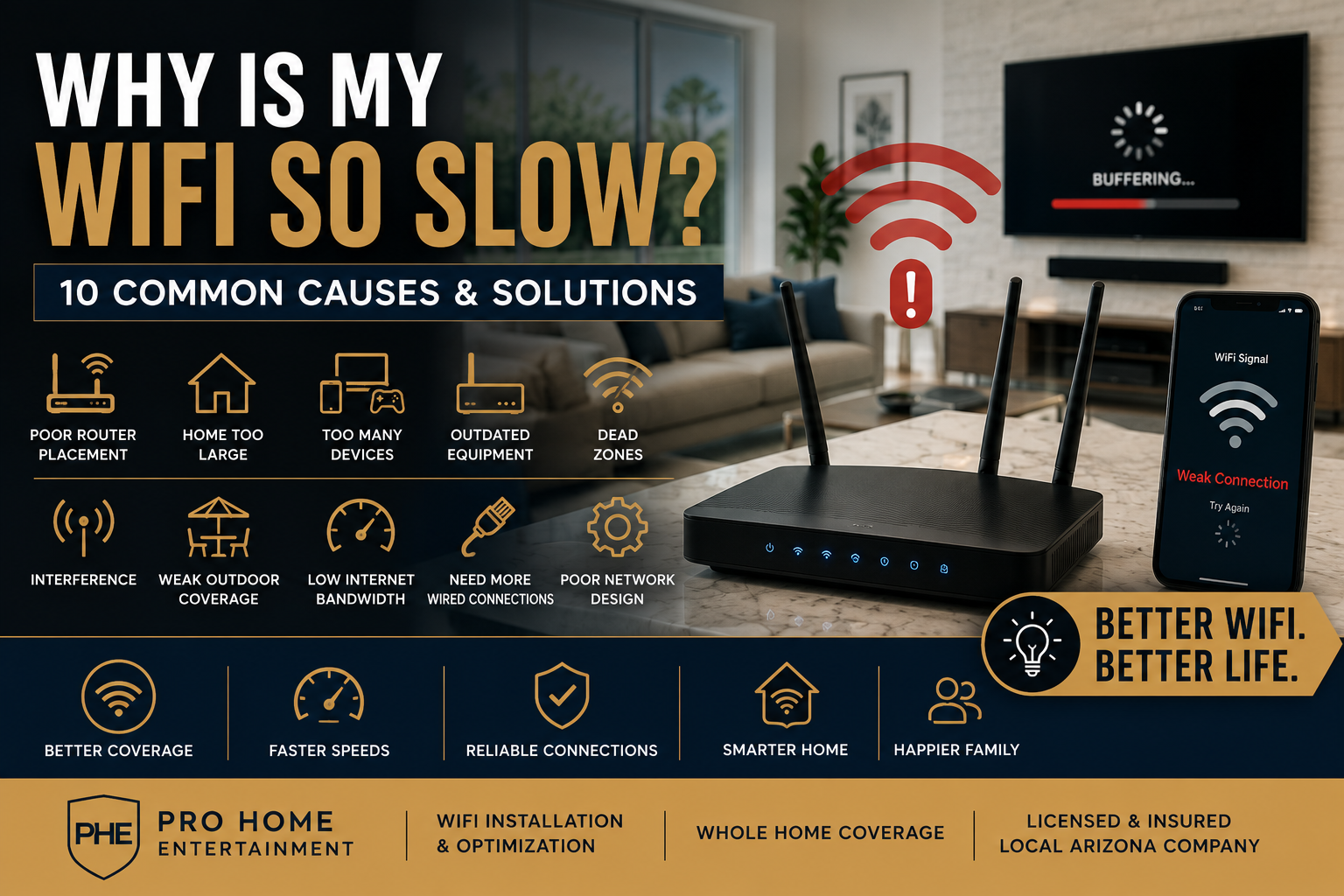
Nothing is more frustrating than paying for fast internet and still dealing with buffering, dropped video calls, slow streaming, and smart home devices that won’t stay connected.
Many homeowners assume their internet provider is the problem, but in reality, slow WiFi is often caused by issues inside the home.
At Pro Home Entertainment, we help homeowners throughout Phoenix, Surprise, Peoria, Goodyear, Buckeye, Scottsdale, and surrounding areas improve WiFi coverage, eliminate dead zones, and build reliable home networks.
Here are the most common reasons your WiFi may be running slow.
1. Your Router Is in the Wrong Location
Router placement has a major impact on performance.
Common mistakes include:
- Hiding the router in a cabinet
- Placing it in a closet
- Installing it behind furniture
- Locating it in a corner of the house
For the best performance, routers should be positioned in a central location whenever possible.
2. Your Home Is Too Large for One Router
Many modern Arizona homes exceed 2,500 square feet.
A single router often struggles to provide reliable coverage throughout:
- Upstairs bedrooms
- Garages
- Patios
- Home offices
- Pool areas
This is where mesh WiFi systems and professionally designed networks can make a significant difference.
3. Too Many Devices Are Connected
Today’s homes often have:
- TVs
- Streaming devices
- Smartphones
- Tablets
- Gaming consoles
- Security cameras
- Smart thermostats
- Smart lighting
It’s not uncommon for homes to have 50+ connected devices.
As device counts increase, network performance can suffer without the proper equipment.
4. Your Equipment Is Outdated
Many homeowners continue using equipment supplied by their internet provider years ago.
Older routers may not support:
- WiFi 6
- WiFi 6E
- Multi-gig internet
- Modern security standards
Upgrading networking equipment often provides immediate improvements.
5. You Have Dead Zones
Dead zones are areas where wireless coverage becomes weak or nonexistent.
Common problem areas include:
- Master bedrooms
- Backyards
- Garages
- Guest rooms
- Outdoor entertainment spaces
Professional network design helps eliminate these coverage gaps.
6. Network Interference
WiFi signals can be disrupted by:
- Neighboring networks
- Microwaves
- Wireless cameras
- Bluetooth devices
- Building materials
Proper channel selection and network design help reduce interference.
7. Your Outdoor Devices Are Struggling
Outdoor TVs, Sonos systems, security cameras, and pool equipment often require reliable WiFi coverage.
If your patio devices frequently disconnect, you may need outdoor wireless access points rather than relying solely on indoor equipment.
8. Your Internet Plan Doesn’t Match Your Usage
Streaming 4K video, online gaming, video conferencing, and smart home devices all consume bandwidth.
A family of four may require significantly more bandwidth than they did just a few years ago.
9. You Need Hardwired Connections
Whenever possible, devices such as:
- Gaming consoles
- TVs
- Streaming devices
- Home theater equipment
should be connected using Ethernet rather than WiFi.
Hardwired connections provide greater reliability and speed.
10. Your Network Was Never Properly Designed
This is one of the biggest issues we see.
Many homes have:
- Multiple routers
- Random extenders
- Inconsistent settings
- Poor equipment placement
A professionally designed network creates a seamless experience throughout the entire home.
Signs You Need a WiFi Upgrade
You may benefit from a network upgrade if:
- Video calls freeze
- Streaming services buffer
- Smart devices disconnect
- Outdoor WiFi performs poorly
- Internet slows down during busy times
- Certain rooms have weak coverage
Professional WiFi Installation Phoenix AZ
At Pro Home Entertainment, we provide:
- WiFi system design
- Mesh network installation
- Access point installation
- Home network troubleshooting
- Outdoor WiFi solutions
- Smart home network optimization
Our goal is to ensure reliable coverage throughout your entire property.
Schedule a Network Consultation
If you’re tired of slow WiFi, dropped connections, and dead zones, our team can help.
Contact Pro Home Entertainment today to schedule a consultation and learn how a professionally designed network can improve your home’s performance.

Be The First To Comment